Best Baby Monitor: How to Choose One in 2026
Wi-Fi or non-Wi-Fi, breathing tracking, battery life and screen size - a plain-English guide to picking the baby monitor that fits how you actually plan to use it.
Start with where the baby will sleep
For the first months most babies sleep in a bassinet beside your bed, and you can hear everything. A monitor earns its place the moment the baby moves into their own room - or the moment you want to eat dinner without tiptoeing upstairs.
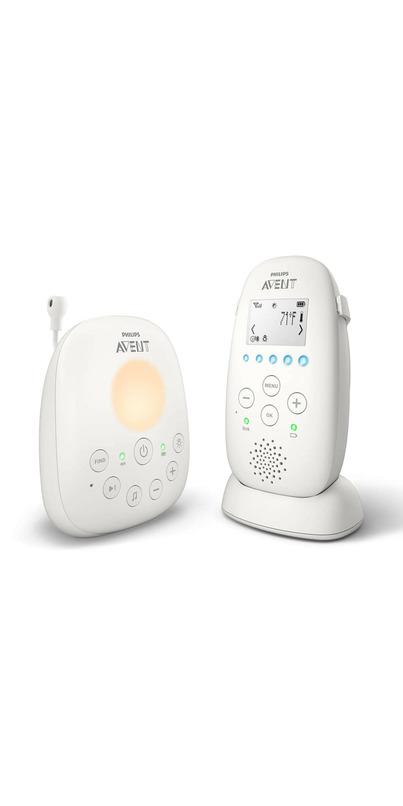
Audio Only Baby Monitors
With the availability of more affordable video baby monitors, audio only monitors aren’t as popular as they used to be. If you want to keep things real simple, you can’t go wrong with audio only baby monitors.

Video (without Wifi) Baby Monitors
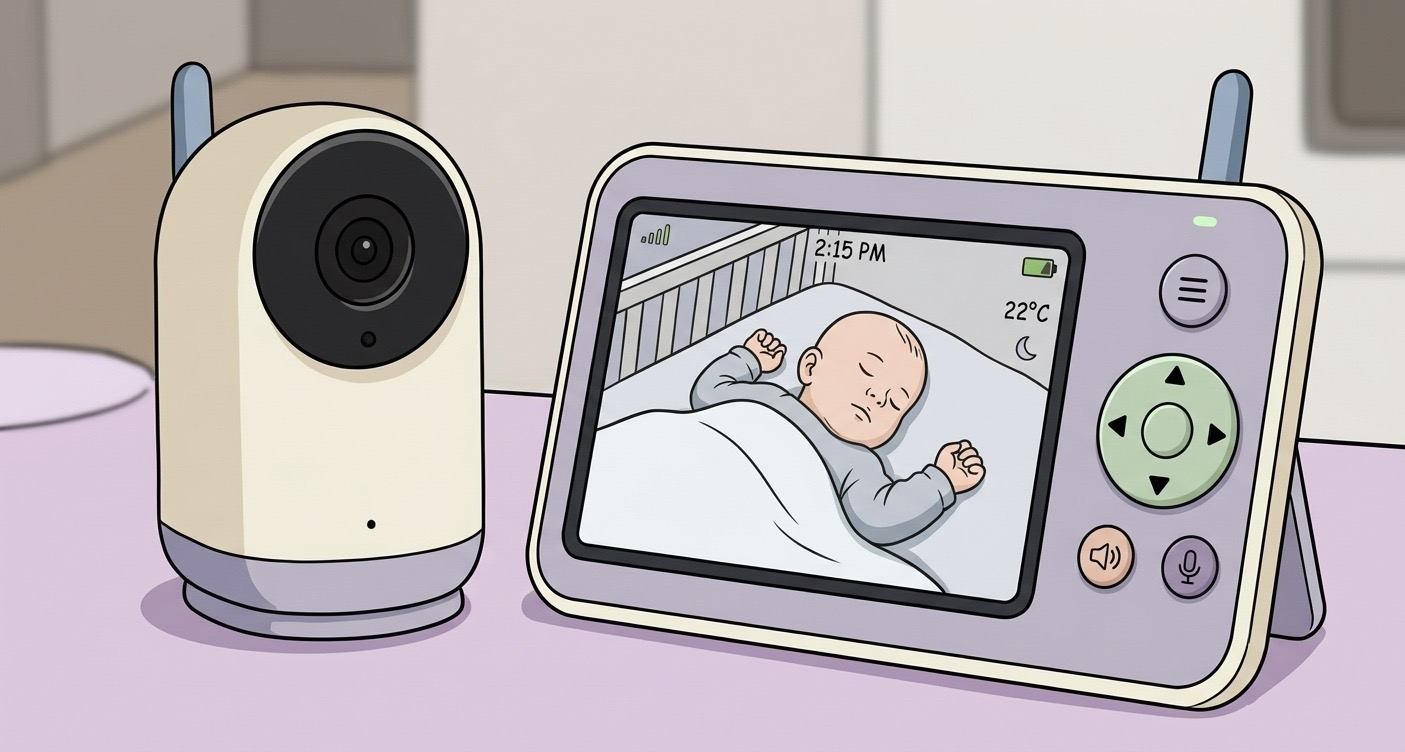
Non-Wi-Fi monitors pair a camera directly with a handheld screen. They are simple, work when the internet is down, and there is no account or app involved - which many parents prefer for privacy. The video and audio is streamed directly from the camera to the monitor without connecting to your internet or wi-fi. This usually means a dedicated receiver and not being able to view outside of the house.
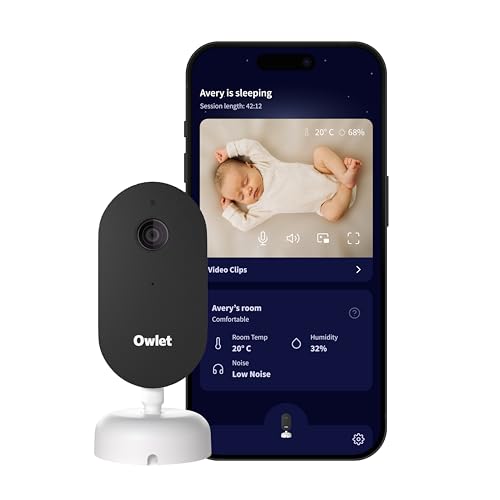
Video (with Wifi) Baby Monitors
Wi-Fi monitors stream to your phone over the internet, so you can check in from work or while a sitter is home, and they usually add sleep insights, alerts and multi-user access with playback. The trade-offs are app dependence, occasional firmware hiccups, and a subscription for some premium features.
Video with breathing or sleep tracking
Breathing-motion and wearable sock monitors give parents real peace of mind, especially after a difficult pregnancy or NICU stay.
For anxious parents these features can either calm things down or create a new source of false alarms at 3 a.m. Both reactions are common.
Alternative: Security Cameras
Some parents use wifi security cameras for baby monitoring. The benefit being that it could fit into your existing home security ecosystem and can become a security camera once done with baby duties.

The specs that actually matter
Screen and resolution: 1080p or better if you want to see detail; a 5-inch split screen is genuinely useful for twins or two kids. For wifi cameras that use your phone as the monitor, you want a high resolution camera.
Night vision and low-light quality: you will use the monitor in the dark almost every time, so this matters more than daytime sharpness.
Battery life: look for a parent unit that survives a full night plus a nap without charging.
Mounting: floor stands and wall mounts give a full-crib view; tabletop-only cameras often end up pointed at a corner of the mattress.
Common mistakes to avoid
Skipping the mount and discovering the cord does not reach a safe position - cords must stay well out of the crib.
If a future sibling needs a camera as well, check whether the system supports adding one instead of replacing everything.
Add it to your registry
A monitor is one of the higher-priced nursery items, which makes it a great group-gift line on a registry. Add the one you want, mark it as a priority, and let family chip in.
Our top picks
Highly rated options from the Tinybean catalogue you can add to your registry.
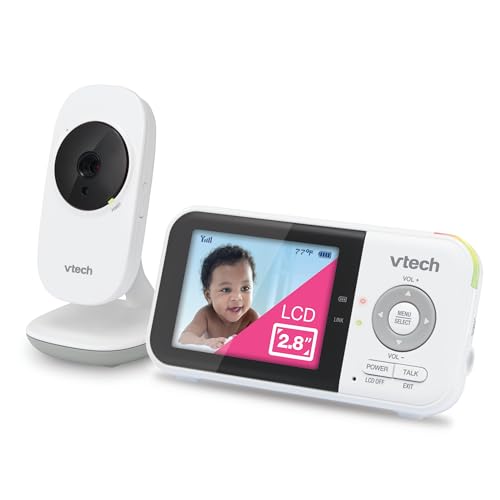
VTech VM819 Baby Monitor, 2.8” Screen, Night Vision, 2-Way Audio, Temperature Sensor and Lullabies, Secure Transmission No WiFi
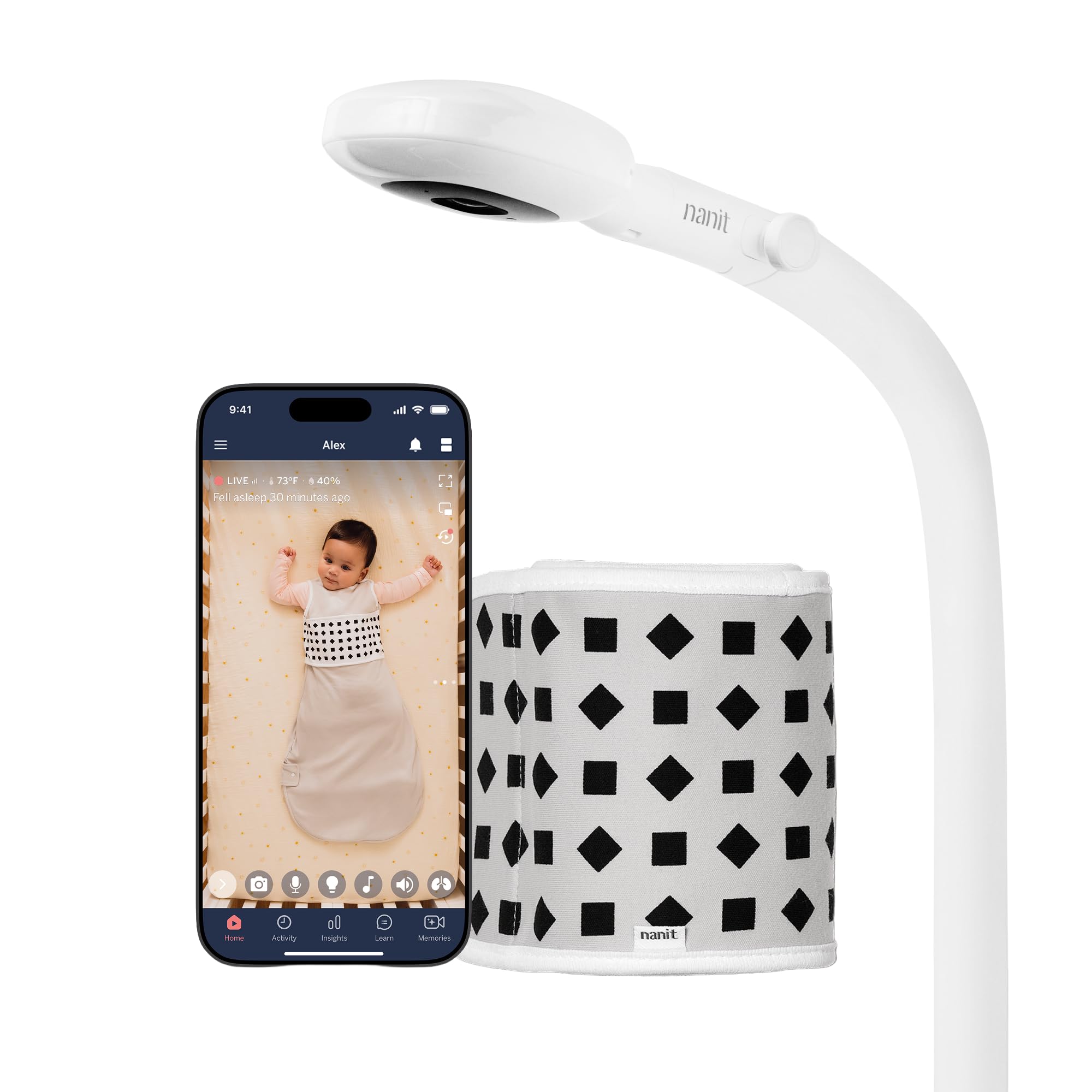
Nanit Pro Smart Baby Monitor & Floor Stand with Breathing Band, 1080p Wi-Fi Video & Sound Camera, Sleep Coach & Breathing Motion Tracker, 2-Way Audio, iOS and Android Compatible - White

Babysense Full HD 5.5" Split Screen Baby Monitor with 2 Cameras, 6-Color Night Light, White Noise, Sound & Light Machine, 20-Hour Battery, Hack-Proof Non-WiFi Secure Connection
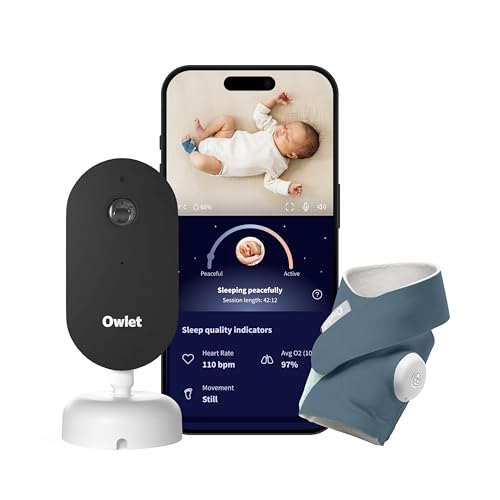
Owlet Dream Duo 3rd Gen Sock and HD Camera
 Canadian owned/made